



Baby
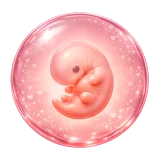
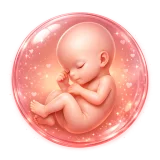
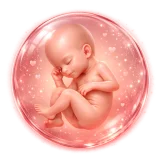
FreeA soft illustration in a pink bubble.
 Week 6
 Week 12
 Week 18
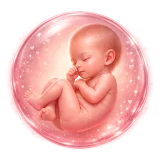 Week 24
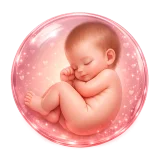 Week 30
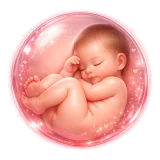 Week 36
 Pregnancy Tickers
Get the app
For iPhone, iPad and Android
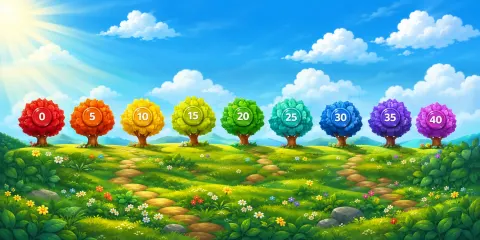
A little sun steps one tree further every week. Pick the world, the words and the colours, and your countdown keeps itself up to date until the day.
Free, with an optional Plus subscription. No account, no ads.

 245DAYS TO GO
 5+0WEEKS

 Week 5
 245 days to go
 35WEEKS TO GO
 2016
We made the first version to count down to our own child, and put it on Google Play.
 2016 to 2019
More than 100,000 people downloaded it, and many kept it through one pregnancy after another, until the app was retired in 2019.
 Now
We never quite let go of it. Rebuilt from the ground up for today's phones, to bring the same small joy to yours.
The family behind Pregnancy Tickers
Reviews of the first app on Google Play, 2016 to 2019
So cute! I love being able to see progress this way! 4 pregnancies later... I STILL LOVE IT!First app, version 2.09
Using the app for the third time, perfect
I'm using it for my third child and I'm absolutely delighted with the satisfaction.
I love the fact I can design it myself.First app, version 1.3.31
Since then, the first pregnancy, now the second pregnancy. I loved the app.First app, version 1.3.31
Very cute way to keep up with babyFirst app, version 1.3.31
So cute and adorable. I absolutely.... love luv love it.First app, version 1.3.31
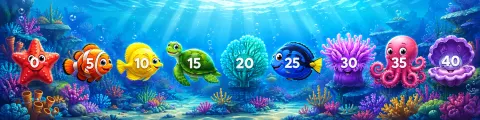
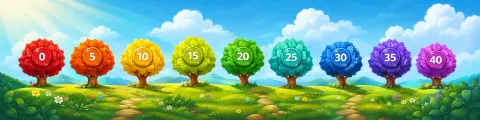
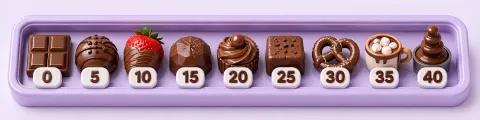
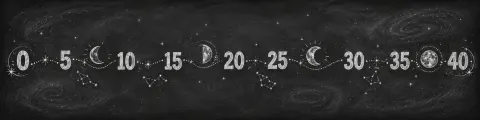
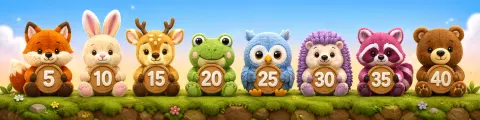
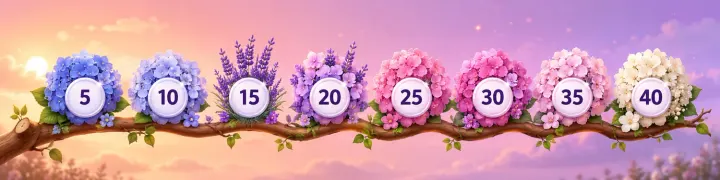
A strip of art numbered from week 0 to 40. Your companion stands on this week and moves on by itself; you choose the art, the companion and what the label says.
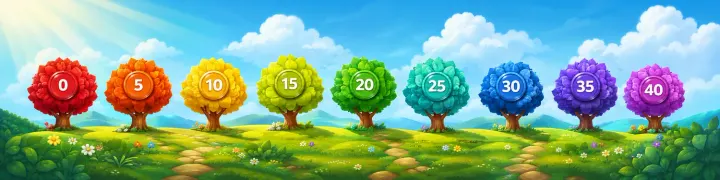 Week 20
And much more in the app: colours for the label and its pill, serif or sans, text size and weight, a shadow under the companion, left, centre or right, and a frame around the widget.
At midnight every widget moves on by itself. Nothing to open, nothing to tap.

 130DAYS TO GO19WEEKS TO GO21+3WEEKS150DAYS PREGNANTUNTIL WE MEET
Days to go, weeks to go, or how far you have come, over art you choose. Small enough to sit between your apps.
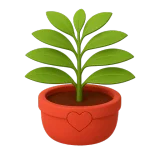
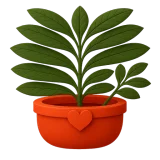
The week, the trimester and a quiet progress bar, next to a picture that grows with the weeks: a seed becomes a flowering pot, an empty nest fills. The ones ahead stay a surprise.
The pictures are illustrations to enjoy, not medical information.
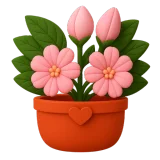
A soft illustration in a pink bubble.
Week 6Week 12Week 18Week 24Week 30Week 36A seed in a pot, and what it becomes.
Week 6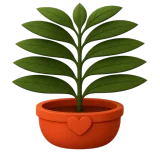 Week 12Week 18Week 24
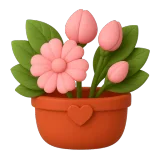 Week 30Week 36
A fruit or vegetable for each week.
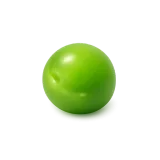 Week 6
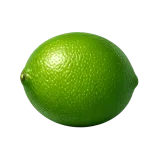 Week 12
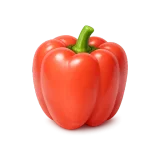 Week 18
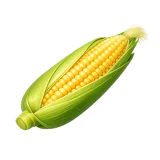 Week 24
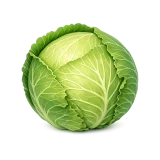 Week 30
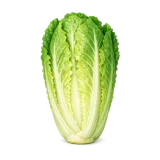 Week 36
A nest that slowly fills with life.
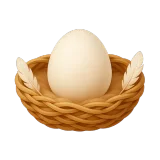 Week 6
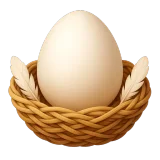 Week 12
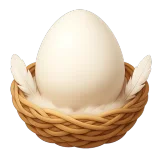 Week 18
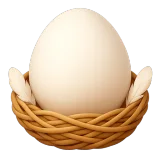 Week 24
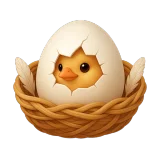 Week 30
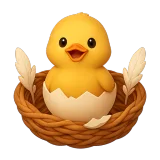 Week 36
Start from your photo or a colour, then add what matters on top. Drag and resize every piece right on the preview, and give each a soft round glow so it reads on any photo.
Each size keeps its own arrangement, and every piece is also in the Layers list, with buttons to move it.
Photos are picked through your phone's own photo picker and stay on your device.
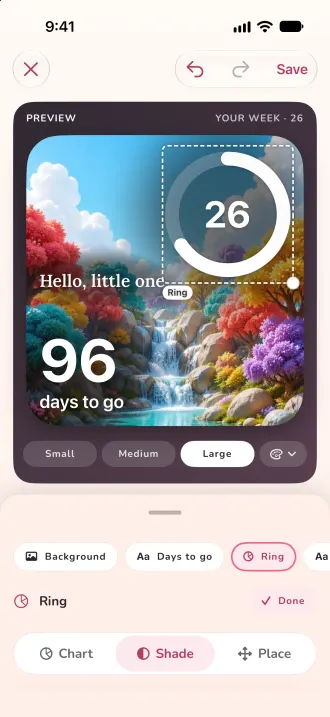
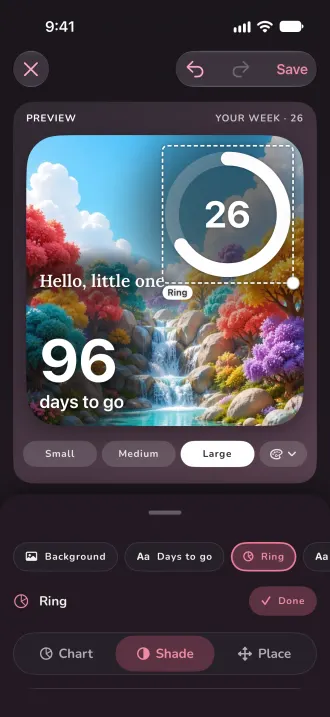
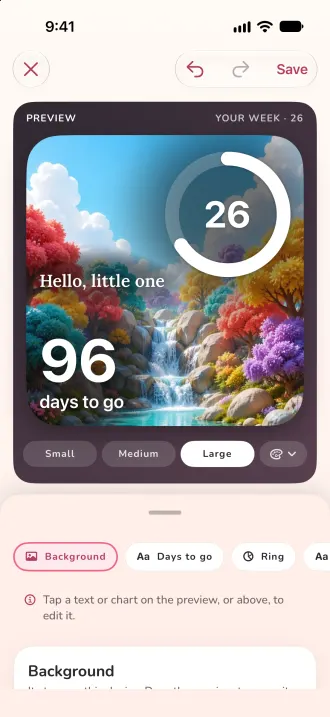
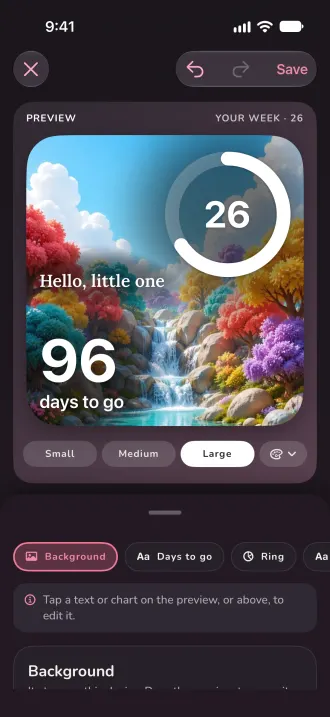
Small, medium and large on the Home Screen, extra large on iPad, and on the iPhone Lock Screen. Android phones and tablets get Home Screen widgets in every size.
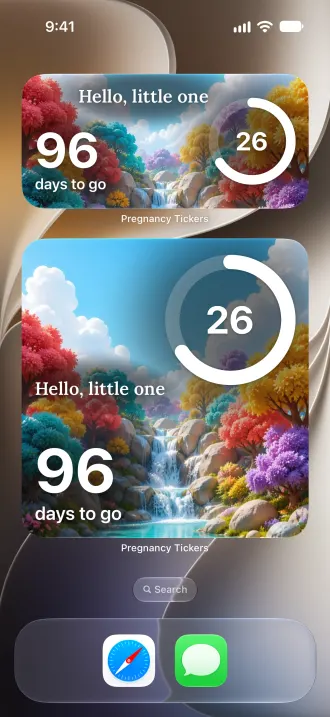
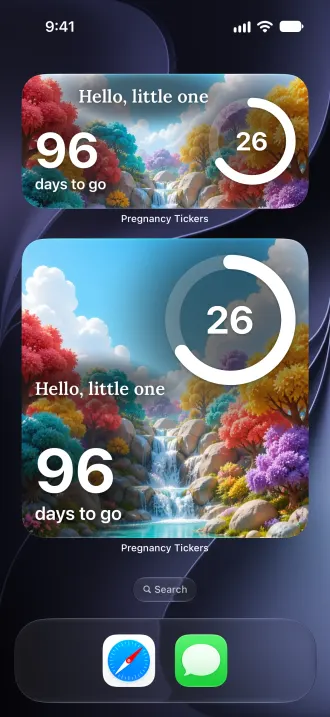
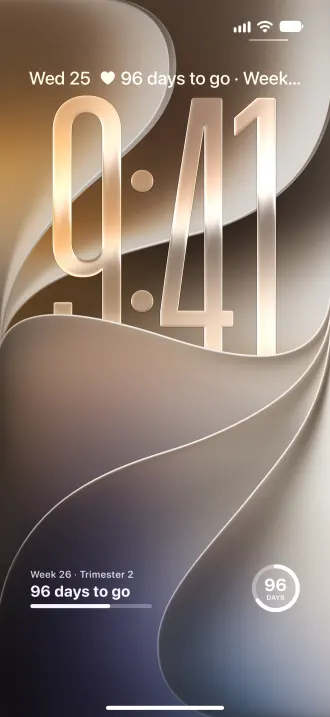
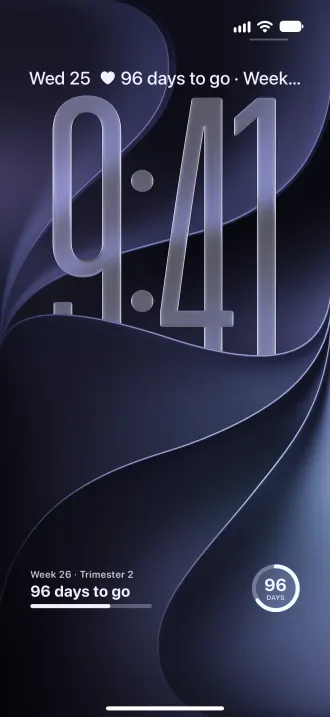
Every widget is laid out for its own size, so a design never looks squeezed.
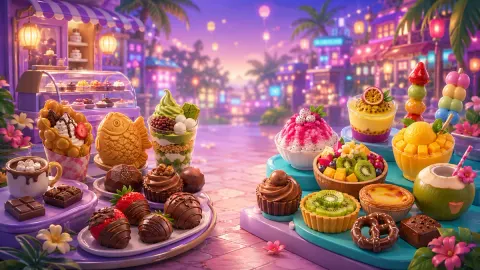
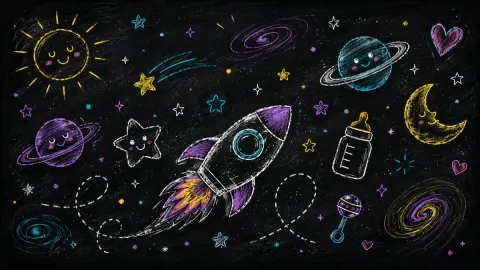
A collection is a world of tickers, companions, squares and wallpapers that belong together. New worlds keep joining Plus: they arrive in the app as they are finished, without an update.
 Free
160 looks · 5 wallpapers
 Free
737 looks · 13 wallpapers

 Plus
928 looks · 15 wallpapers

 Plus
531 looks · 8 wallpapers
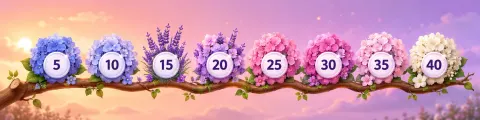

 Plus
271 looks · 11 wallpapers
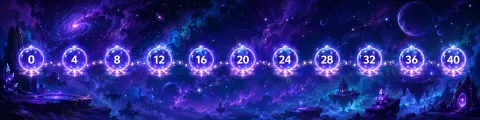

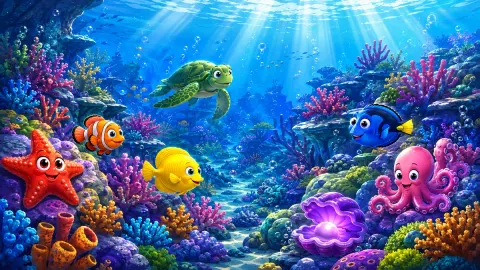 Plus
307 looks · 9 wallpapers
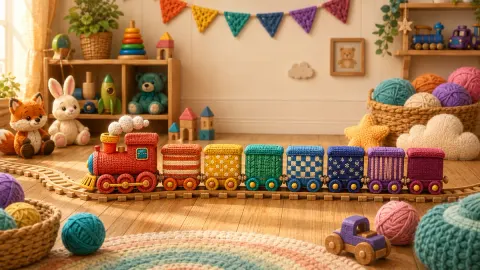 Plus
1037 looks · 21 wallpapers

New worlds join Plus over time and arrive in the app on their own, with no update to install.
Ready-made squares wait in Explore. Tap one, and it opens in the editor with every choice already made.
 130DAYS TO GO
 130UNTIL WE MEET
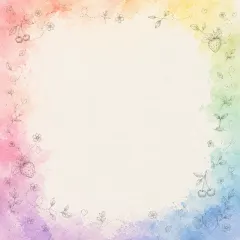 130UNTIL WE MEET
 130DAYS TO GO
 130
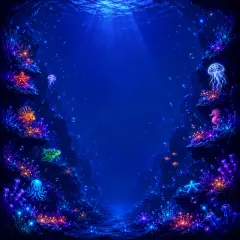 130
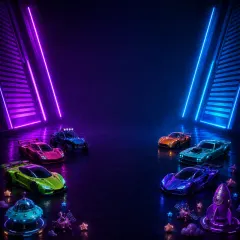 130
 130
 19WEEKS TO GO
 130
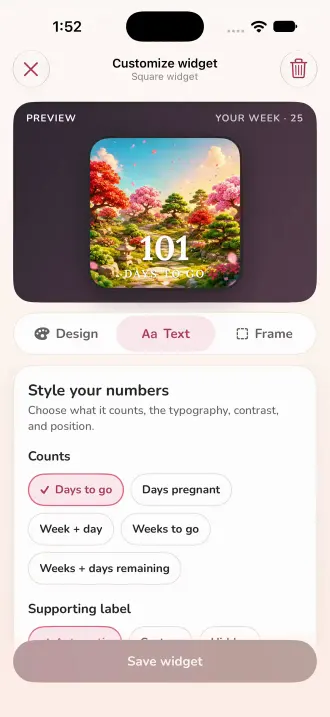
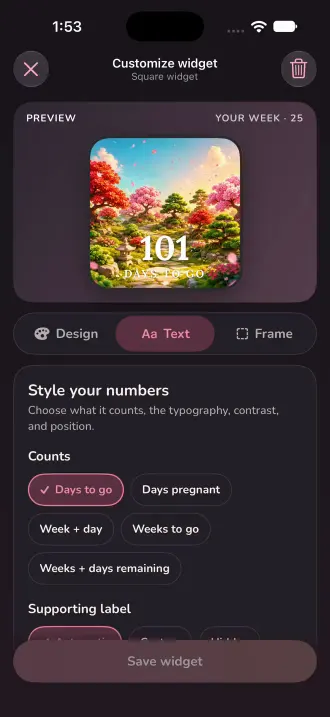
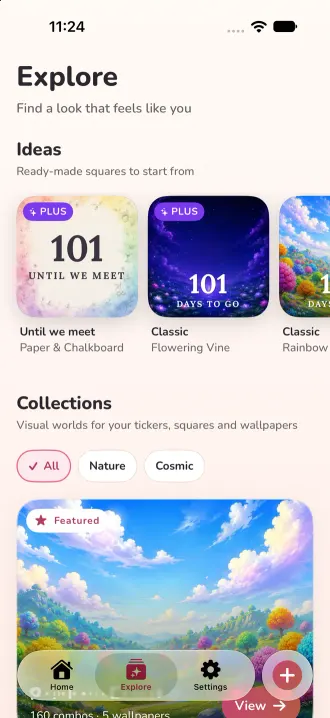
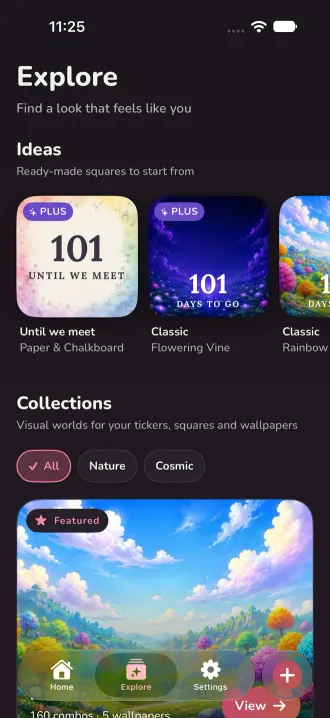
The editor draws with the same code as the widget, so what you see is exactly what lands on your home screen.
Save as many designs as you like and give each widget its own. On iPhone and iPad, small countdown widgets sit on the lock screen too.
 No accountNothing to sign up for. The app works from the first launch.
 Stays on your deviceYour due date, your name, your designs and your photos are stored on your device and are not sent to us.
 No adsNot now, not later in the pregnancy.
 No trackingNo ad or analytics trackers. The app sends only anonymous daily counts, which you can switch off.
The details are in the privacy policy.
Every kind of widget is free. Plus is an optional subscription that opens the whole library; its price, and any free trial, are shown by the App Store or Google Play before you subscribe.
Everything you need to start
Everything in Free, and the whole library
If Plus ends, nothing is deleted. Designs saved while you paid for Plus keep their look; others that use Plus art (for example from a free trial) show the default look until Plus is active again.
About privacy, Plus and the phones it runs on.
An app that puts a pregnancy countdown on your home screen and lock screen as a widget. You choose the artwork, what the widget counts (the week, days to go, days so far) and how the text looks.
No. Pregnancy Tickers is a countdown and personalisation app. It is not a medical device and does not provide medical advice. It counts from a due date you already know and enter yourself; it does not work one out for you. For anything about your health or your pregnancy, talk to your doctor or midwife.
No. There is no sign-up and no login. The app works from the first launch.
On your device. Your due date, your name and your widget designs are stored on your device and are not sent to us. The app has no advertising and no trackers; it sends only anonymous daily counts, such as how many widgets are in use, and you can switch them off in Settings.
No. You pick photos through your phone's own photo picker, which gives the app only the photos you choose, never your library. The app keeps a smaller copy on your device to draw your widgets and sends it nowhere. Photos you keep in “My bump” stay until you remove them.
Plus is an optional subscription that opens every collection and journey story, custom colours, more typefaces and type styles, style presets, and several photos in one widget. The price, and any free trial, are shown by the App Store or Google Play before you subscribe. You manage or cancel it in your store account settings.
Nothing is deleted. Designs you saved while paying for Plus keep the look you saved. Other designs that use Plus art (for example ones saved during a free trial) show the default look, and a widget with several photos shows its first, until Plus is active again.
iPhone and iPad with iOS or iPadOS 26 or later, and Android phones and tablets with Android 12 or later.
Pregnancy Tickers is made by Snatik Labs LLC.
 Something else? Write to us at support@ptickers.com.
Pregnancy Tickers is on its way to the App Store and Google Play.
 Week 40Get the appComing soon to iPhone, iPad and Android


